The R Package rpact – Functional Range
![]()
Trial Designs
- Fixed sample design
- Group sequential designs
- Adaptive designs using the inverse normal and Fisher’s combination test, and conditional error rate principle
Easy to understand R commands:
getDesignGroupSequential()
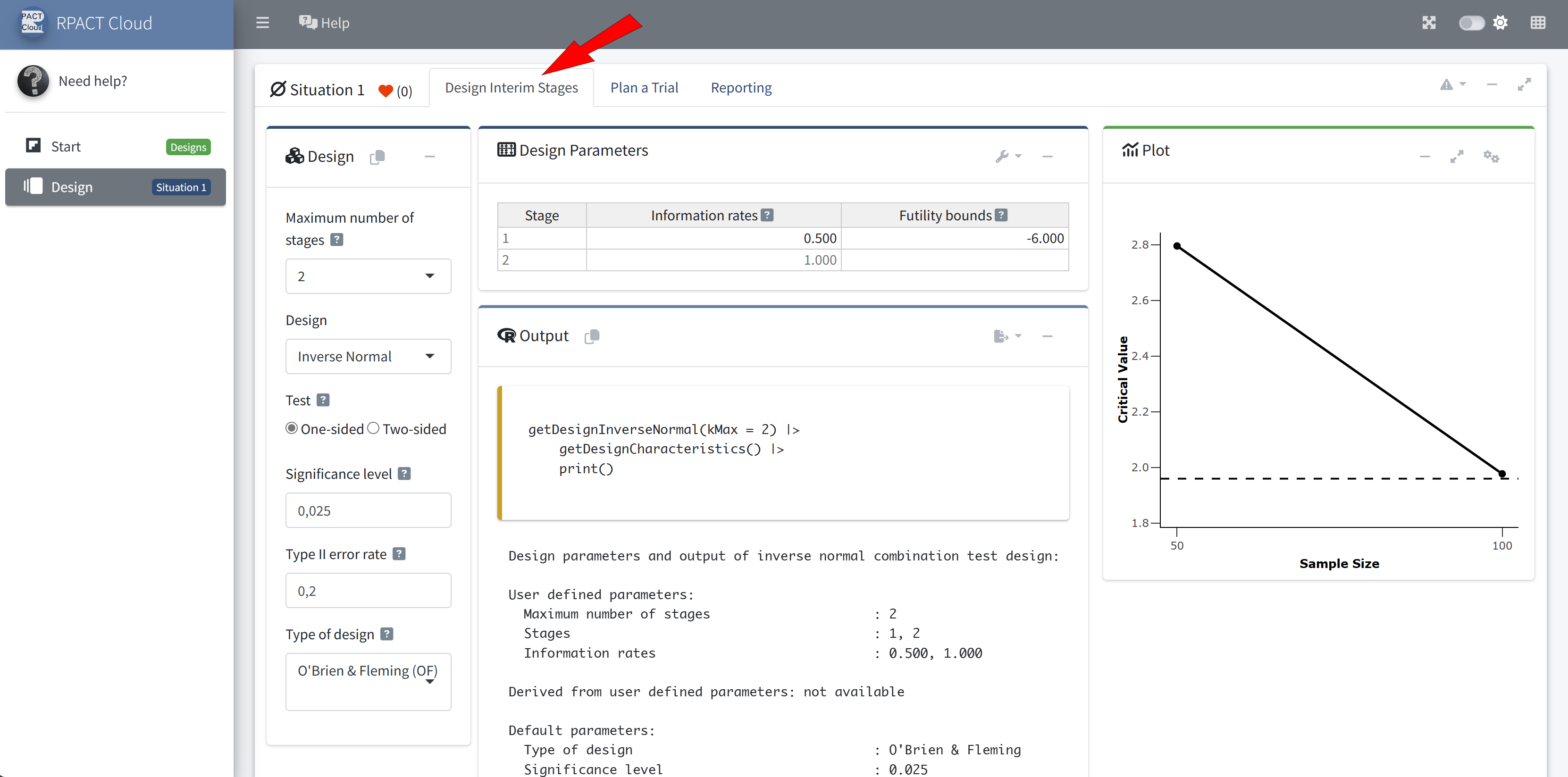
getDesignInverseNormal()
getDesignFisher()
getDesignConditionalDunnett()
Sample Size and Power Calculation
for
- testing means (continuous endpoint)
- testing rates (binary endpoint)
- survival trials with flexible recruitment and survival time options
- testing rates for count data
Easy to understand R commands:
getSampleSize[Means/Rates/Survival/Counts]()
getPower[Means/Rates/Survival/Counts]()
Example:
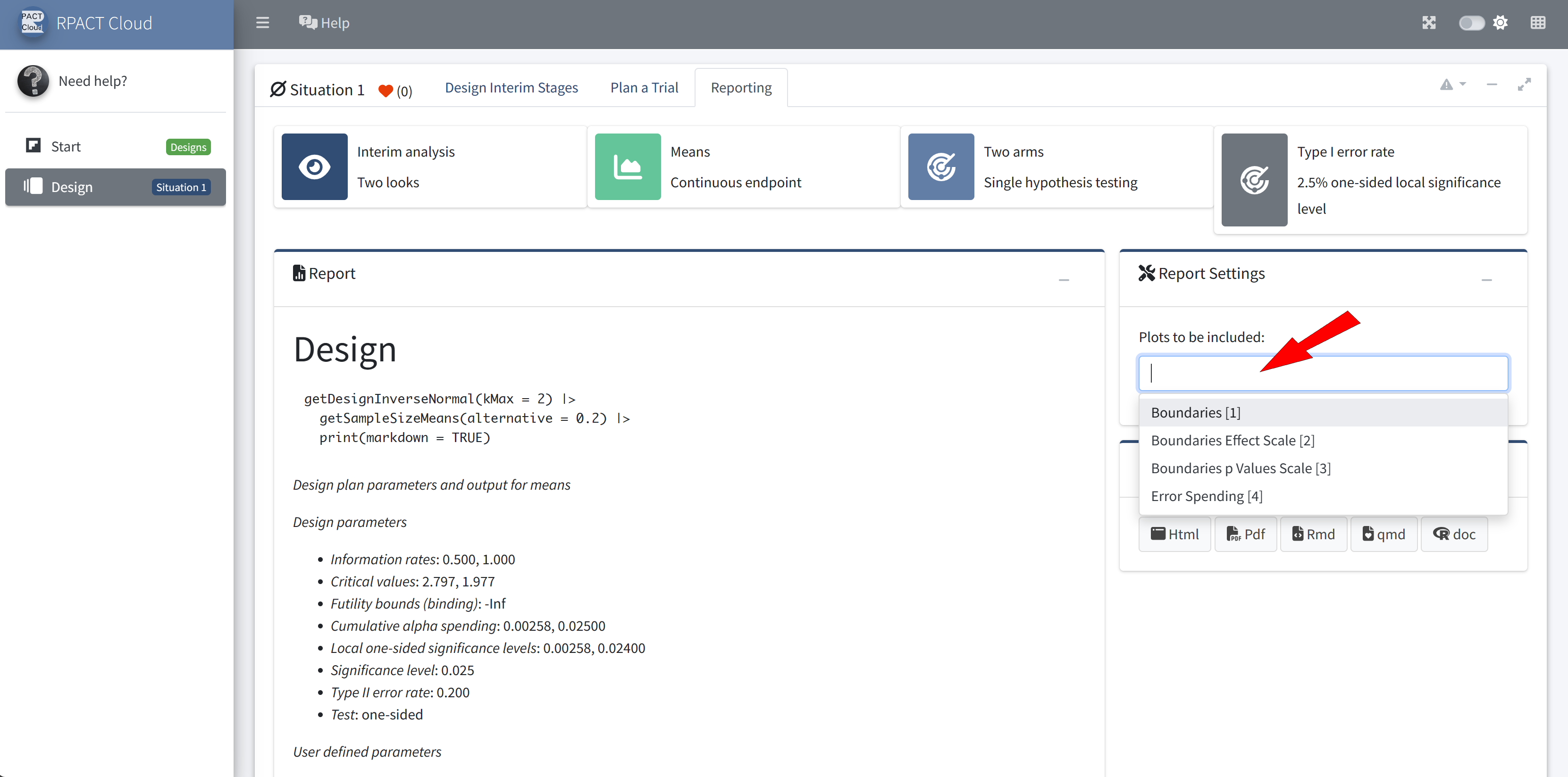
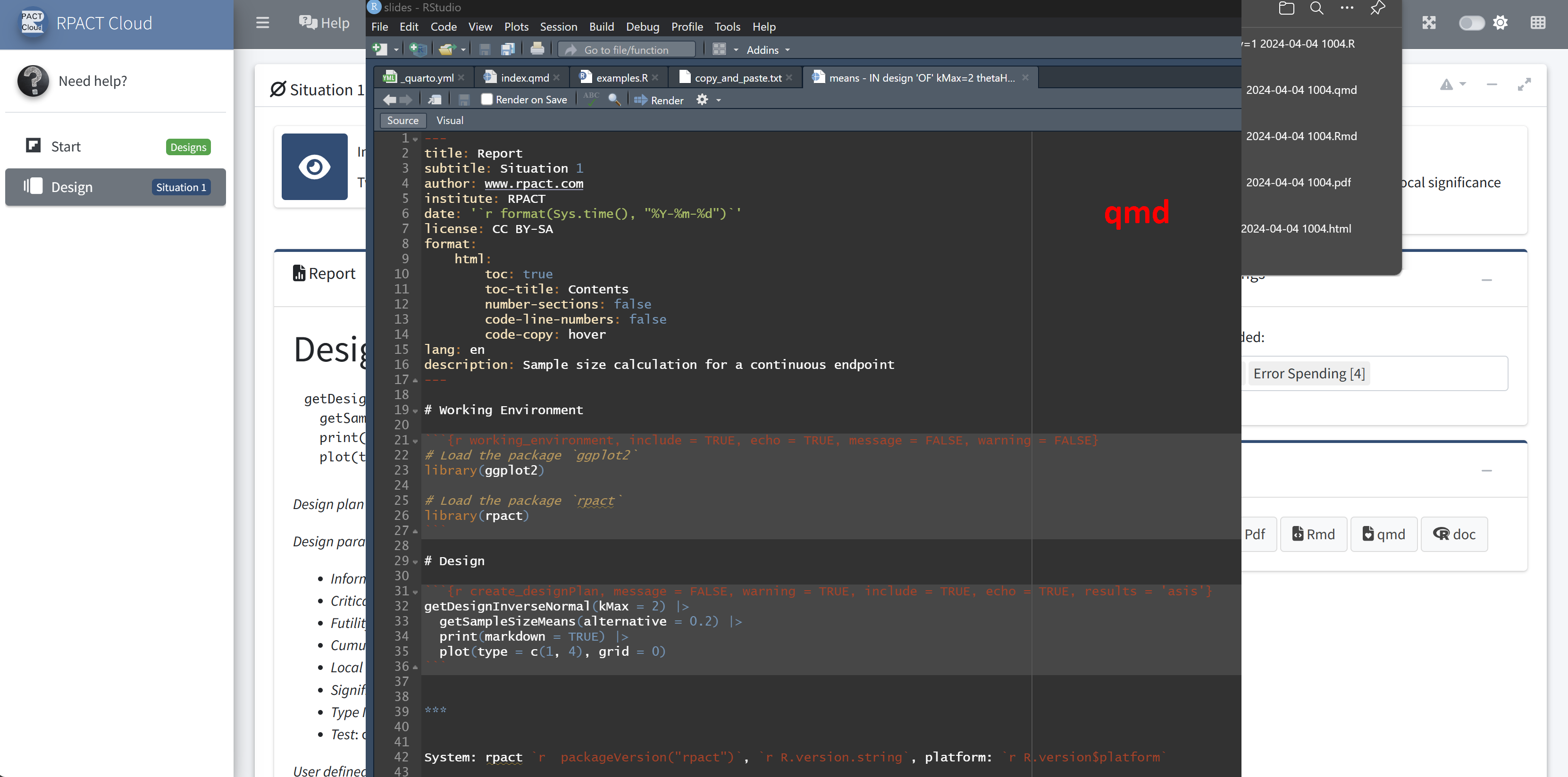
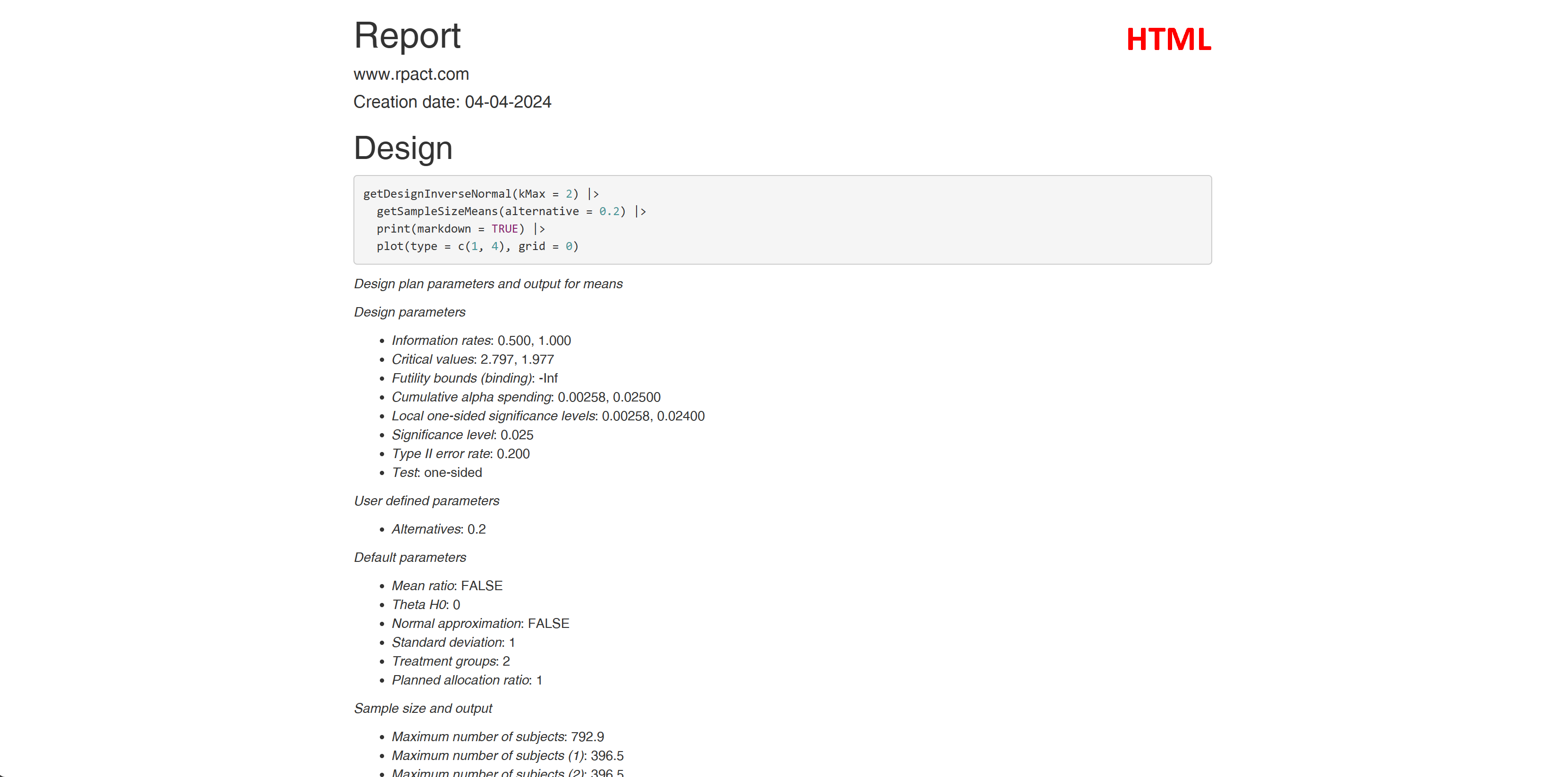
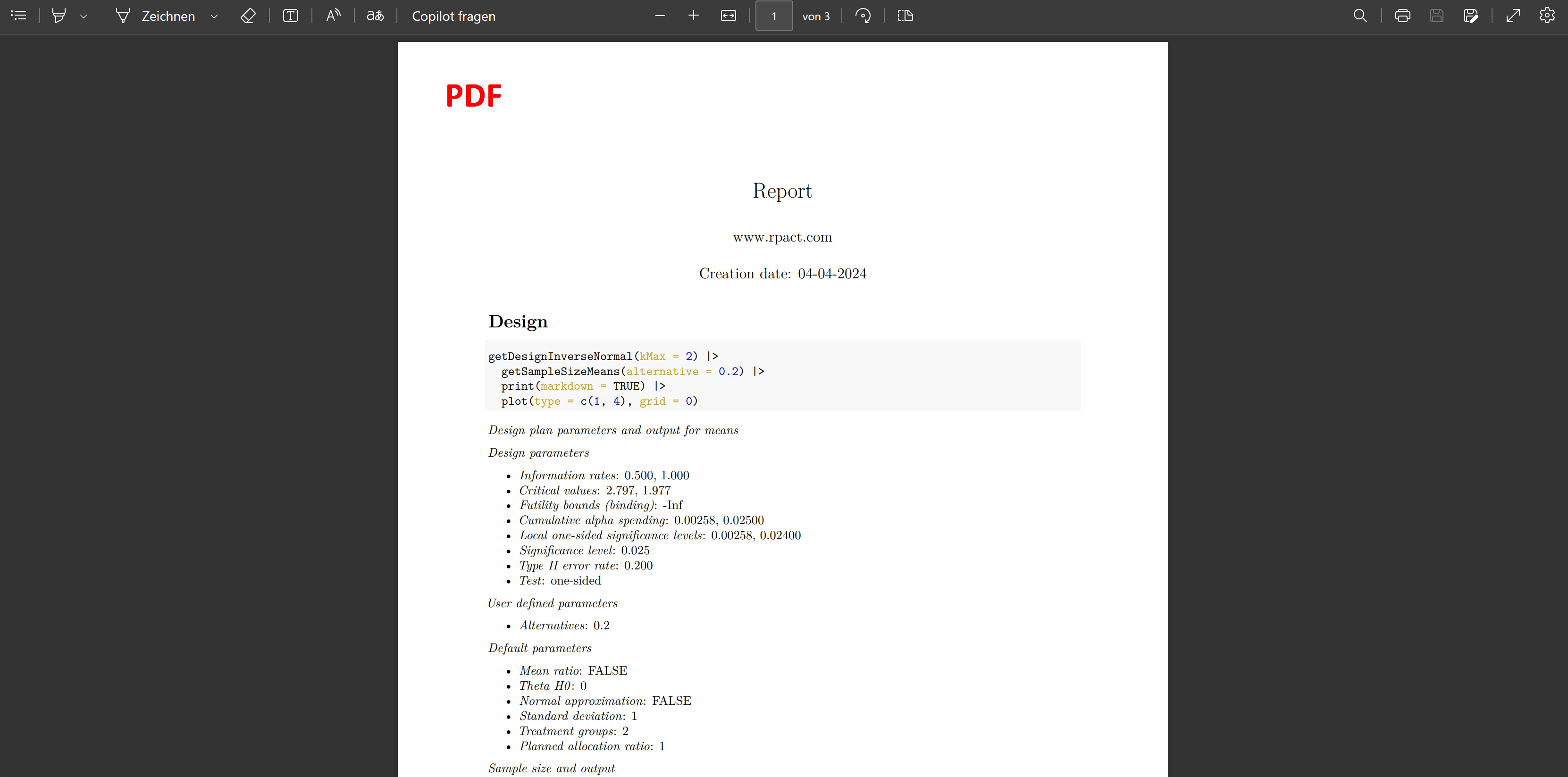
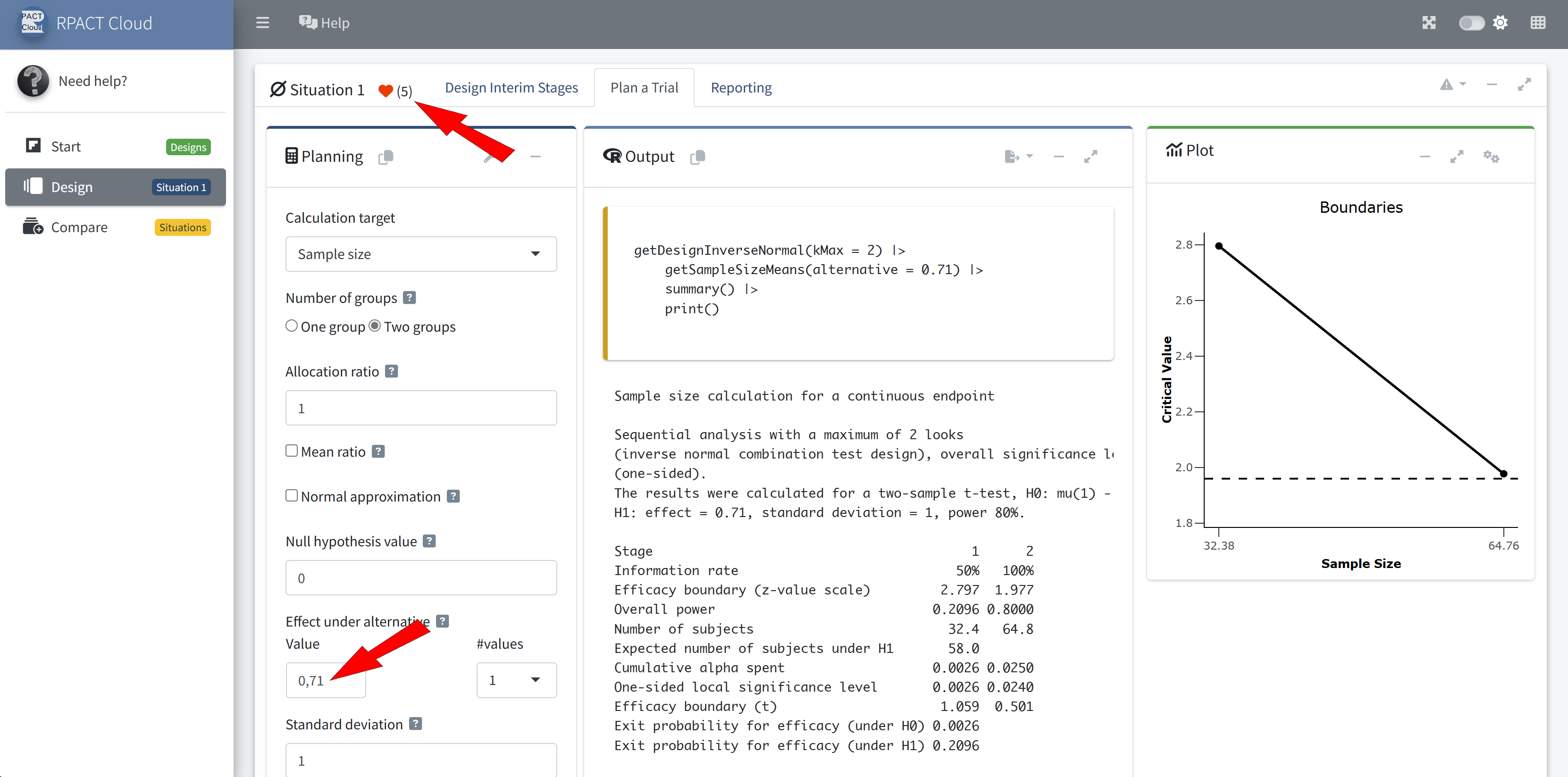
getSampleSizeMeans()
getPowerMeans()
Adaptive Analysis
for testing means, rates, and survival data
- Calculates adjusted point estimates and confidence intervals
- Some highlights:
- Automatic boundary recalculations during the trial for analysis with alpha spending approach, including under- and over-running
- Adaptive analysis tools for multi-arm trials
- Adaptive analysis tools for enrichment design
Easy to understand R commands:
getStageResults()
getRepeatedConfidenceIntervals()
getAnalysisResults()
…
The R Package rpact
Further information, installation, and usage: